More than
a name and number.
Photo, role, bio, companies and links — introduce yourself your way.
Free vCardPART OF AMOBIT ID
Introduce yourself. Share. Stay connected.
Create a free digital business card from your Amobit ID profile — all your contacts in one link.
Free / Through your Amobit ID profile

Founder & Director
Gulian Digital LLC / Amobit
Save contact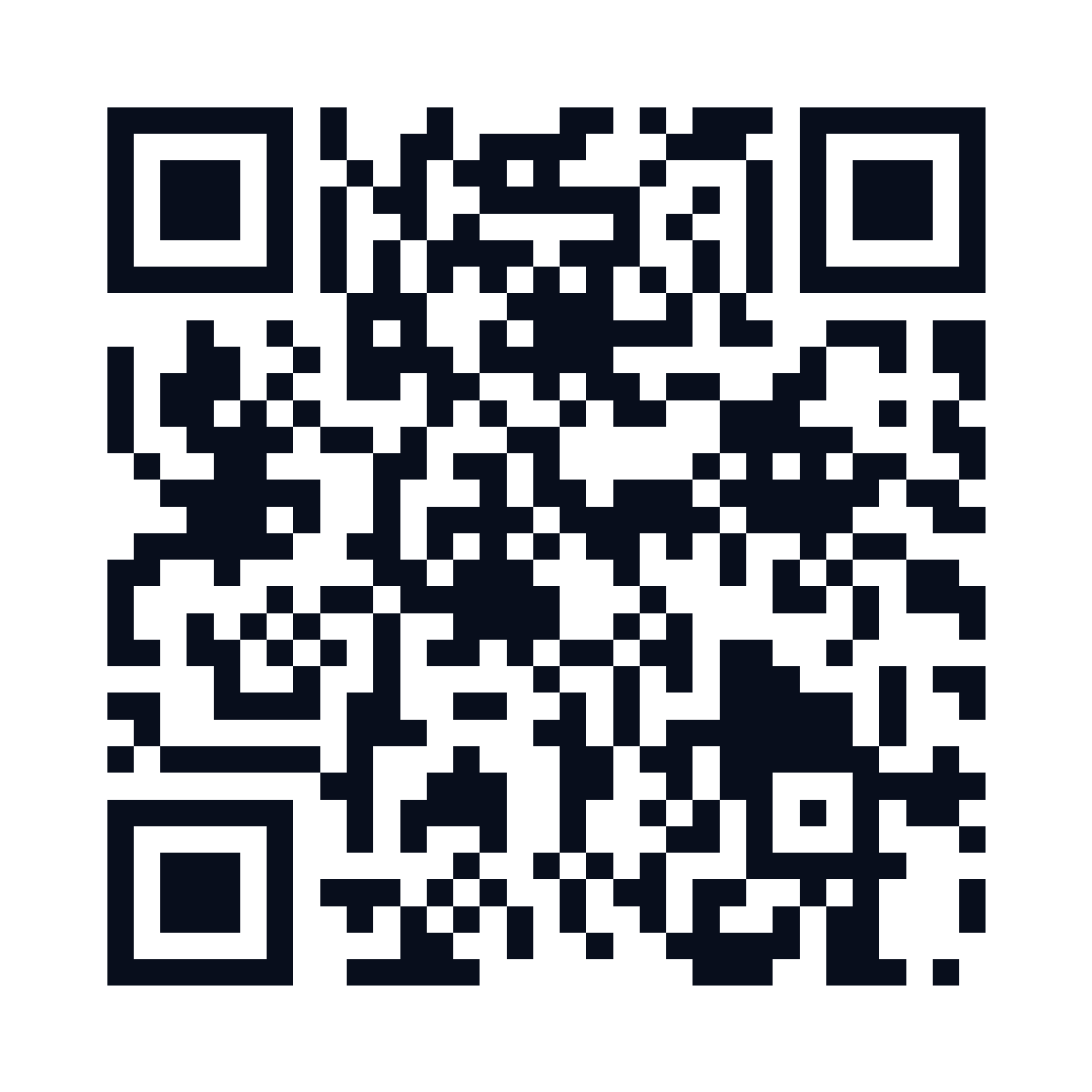 Point your camera
EXAMPLE CARD · CLICK TO OPEN ↗
Save Ararat’s contact or share his business card.
FEWER STEPS. MORE CONNECTIONS.
A connection goes beyond exchanging names.
Make it easy for people to reach you.
Photo, role, bio, companies and links — introduce yourself your way.
The contact downloads as a VCF file. The recipient confirms the import on their phone.
Send your card in a messenger, add it to your signature or show the QR code at a meeting.
FROM YOUR PROFILE TO YOUR FIRST CONNECTION
Sign up or sign in to your existing account. It’s your single sign-in for Amobit.
Add your photo, contacts, social links and companies. Your card is generated from your profile.
Choose your public fields and confirm publication. Share your personal link and QR code.
ONE ACCOUNT. MORE POSSIBILITIES.
Start with a free business card. Use the same Amobit ID to access other ecosystem services for communication, automation and business.
Open Amobit ID Other services have separate access and usage terms.ANY QUESTIONS?
Yes. You can create and publish a digital business card for free through your Amobit ID profile.
No. The card opens in a browser via a link or QR code. Saving the contact requires confirming the VCF import on the device.
Update your Amobit ID profile. Changes appear on your published card at the same link. Contacts already saved on someone else’s phone do not update automatically.
You choose the public fields and confirm publication. Creating an account does not publish your card automatically.
YOUR NEXT CONNECTION STARTS WITH YOUR VCARD
Create your digital business card. For free.